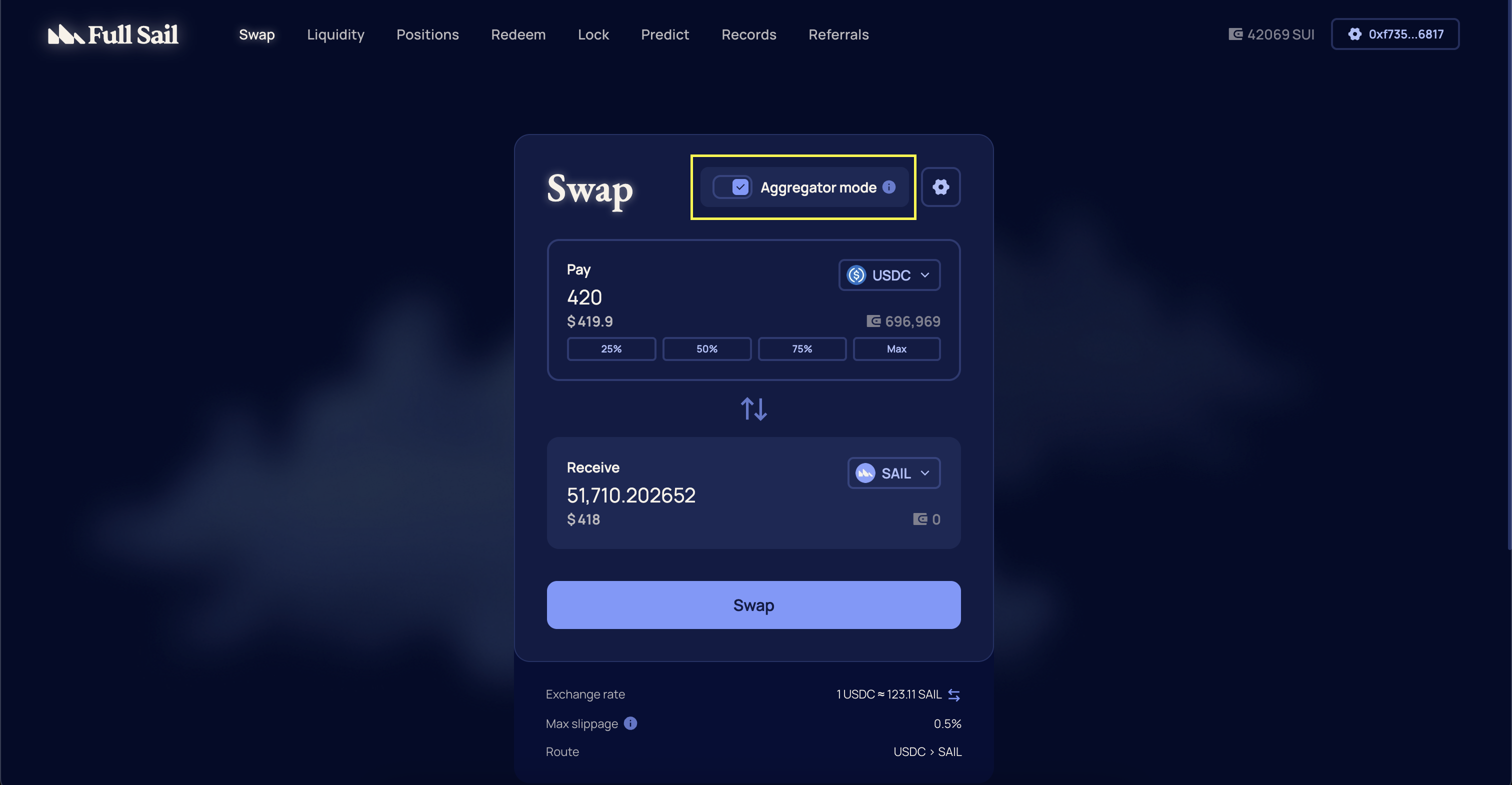
How to Execute a Swap
Before You Start
Make sure you have a Sui wallet installed and sufficient balance of the token you want to swap plus enough SUI to cover transaction fees.
Make sure you have a Sui wallet installed and sufficient balance of the token you want to swap plus enough SUI to cover transaction fees.
1
Connect Your Wallet
Go to https://app.fullsail.finance/ and connect a supported Sui wallet.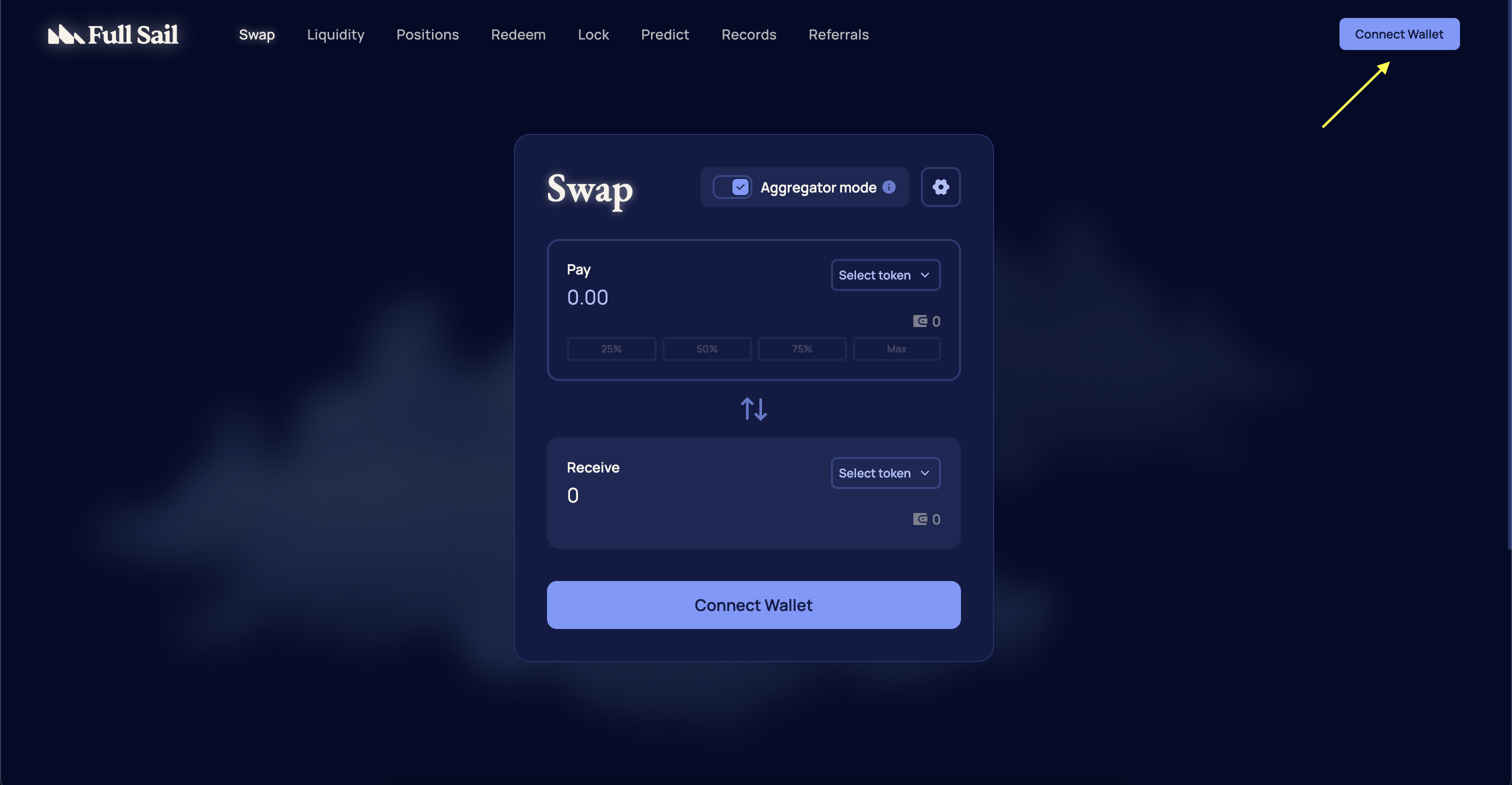
2
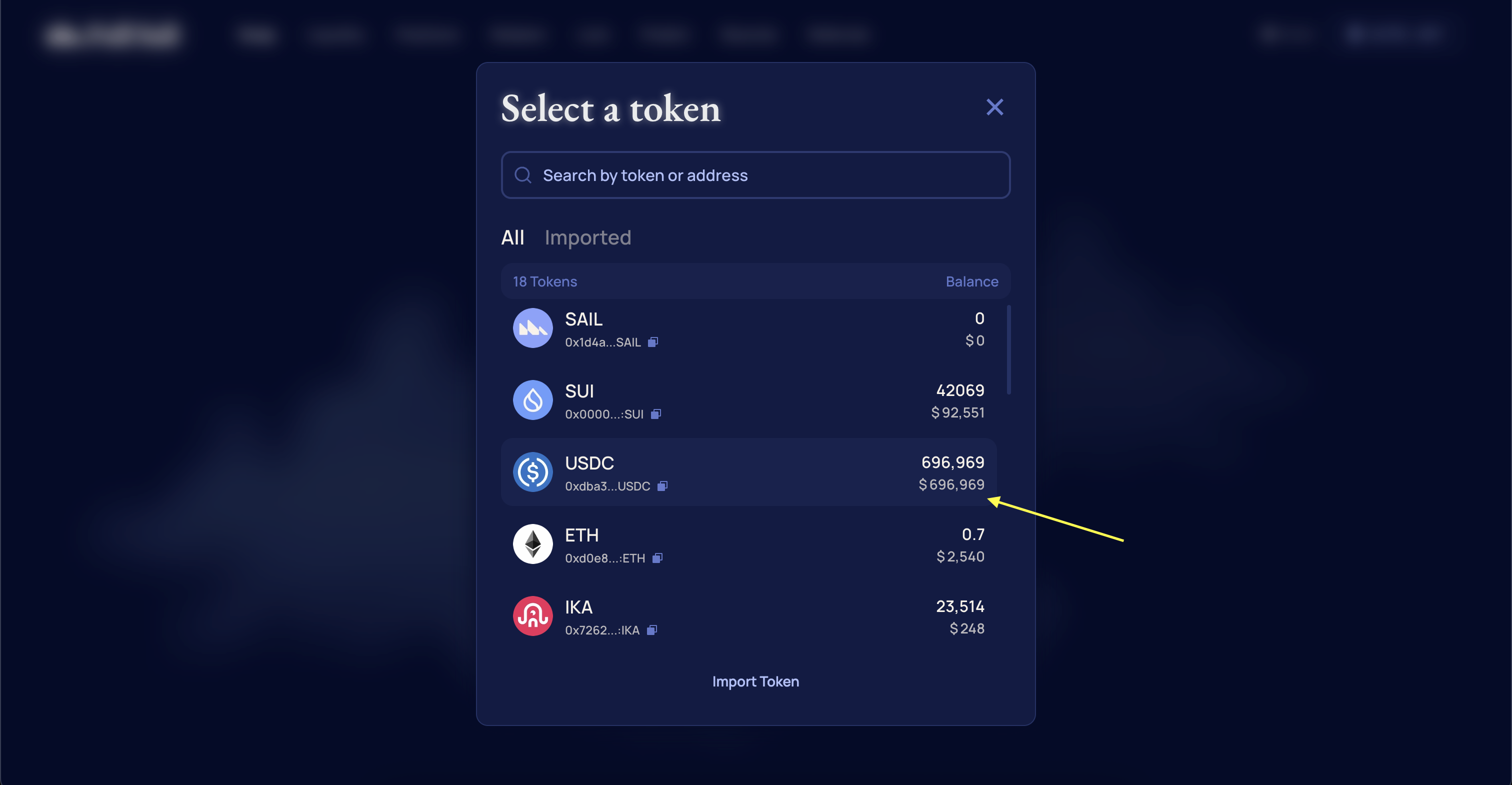
Select Token Pair
Select the token you want to swap from and the token you want to receive.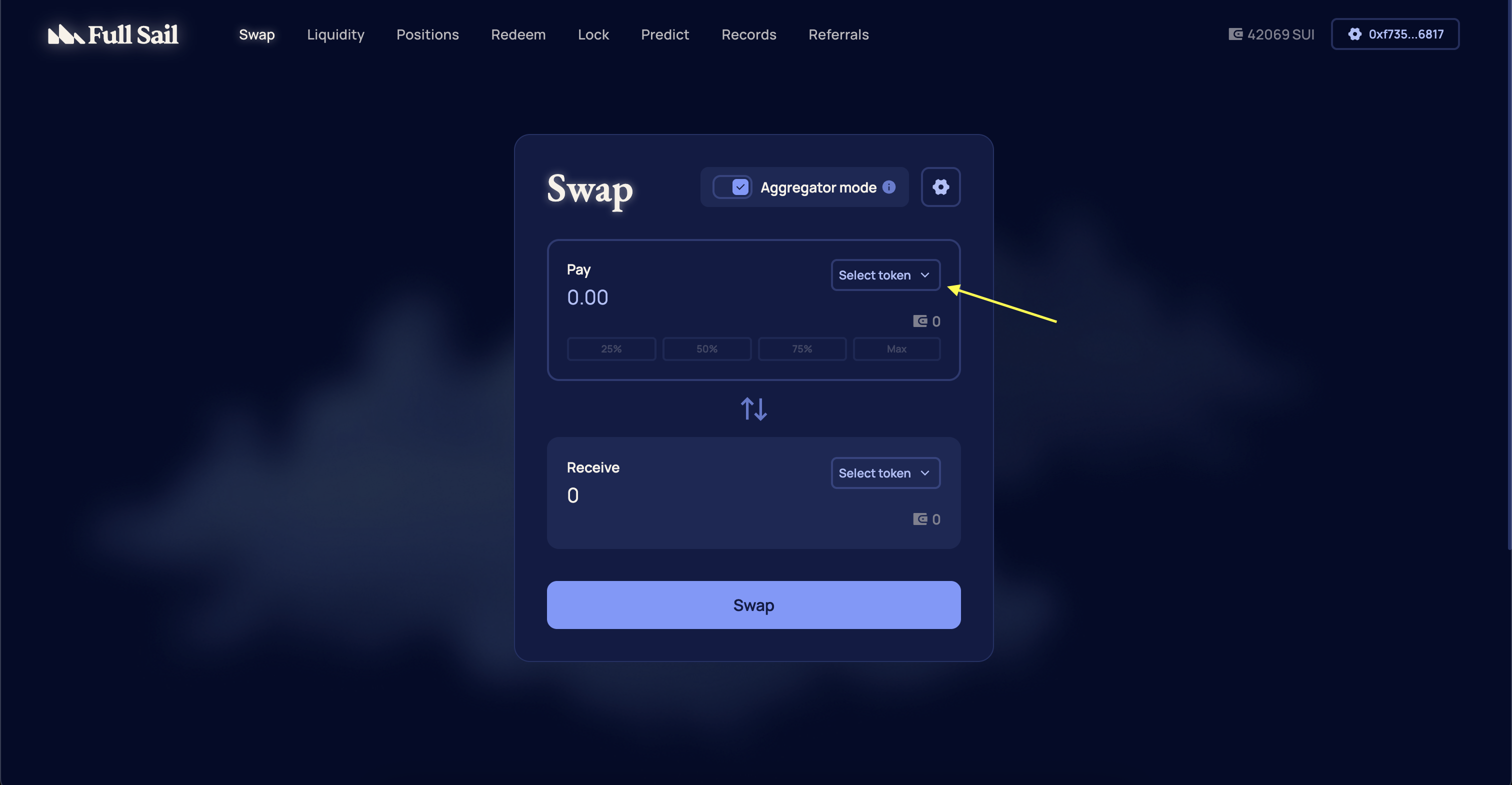
3
Enter Swap Amount
Enter the desired swap amount.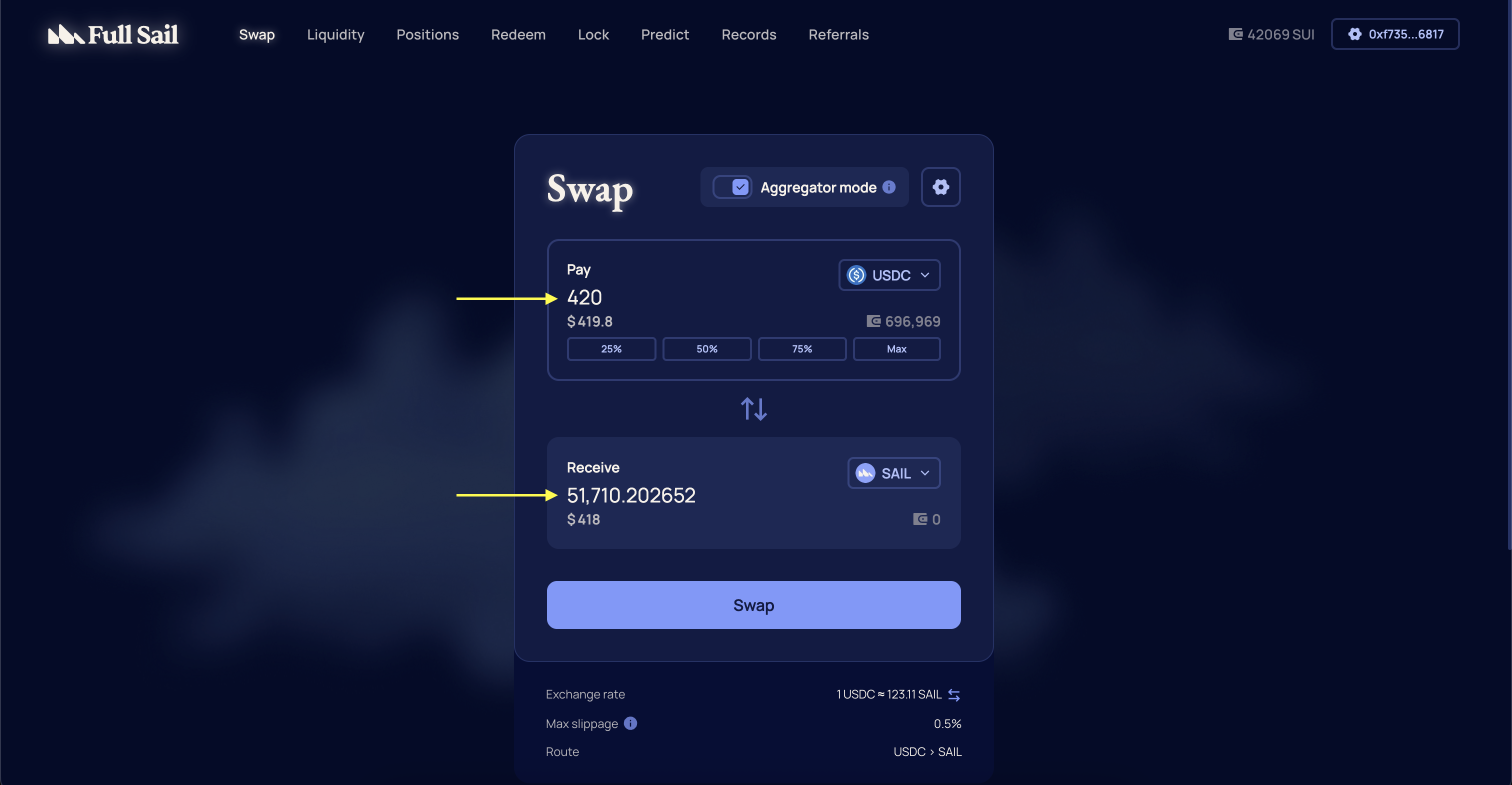
4
Review Transaction Details
Review the exchange rate, expected slippage, and route.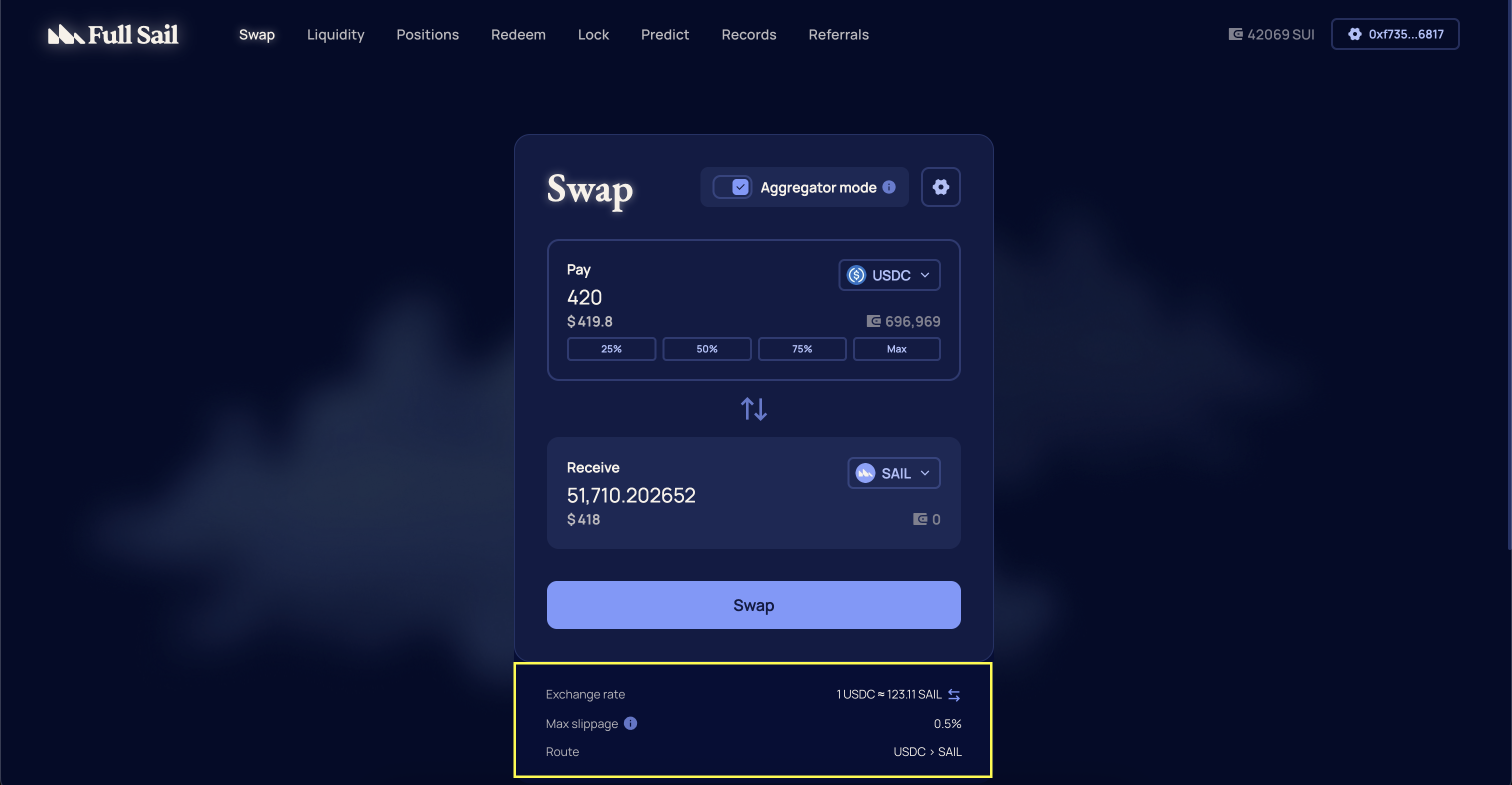
5
Confirm Transaction
Confirm the transaction in your wallet. Once confirmed and finalized on-chain, the output token will appear in your wallet.
Important
Ensure you have sufficient SUI to cover transaction fees and that your wallet is connected to the correct network.
Ensure you have sufficient SUI to cover transaction fees and that your wallet is connected to the correct network.
How to Change Slippage
1
Select The Cog Icon In The Swap Module
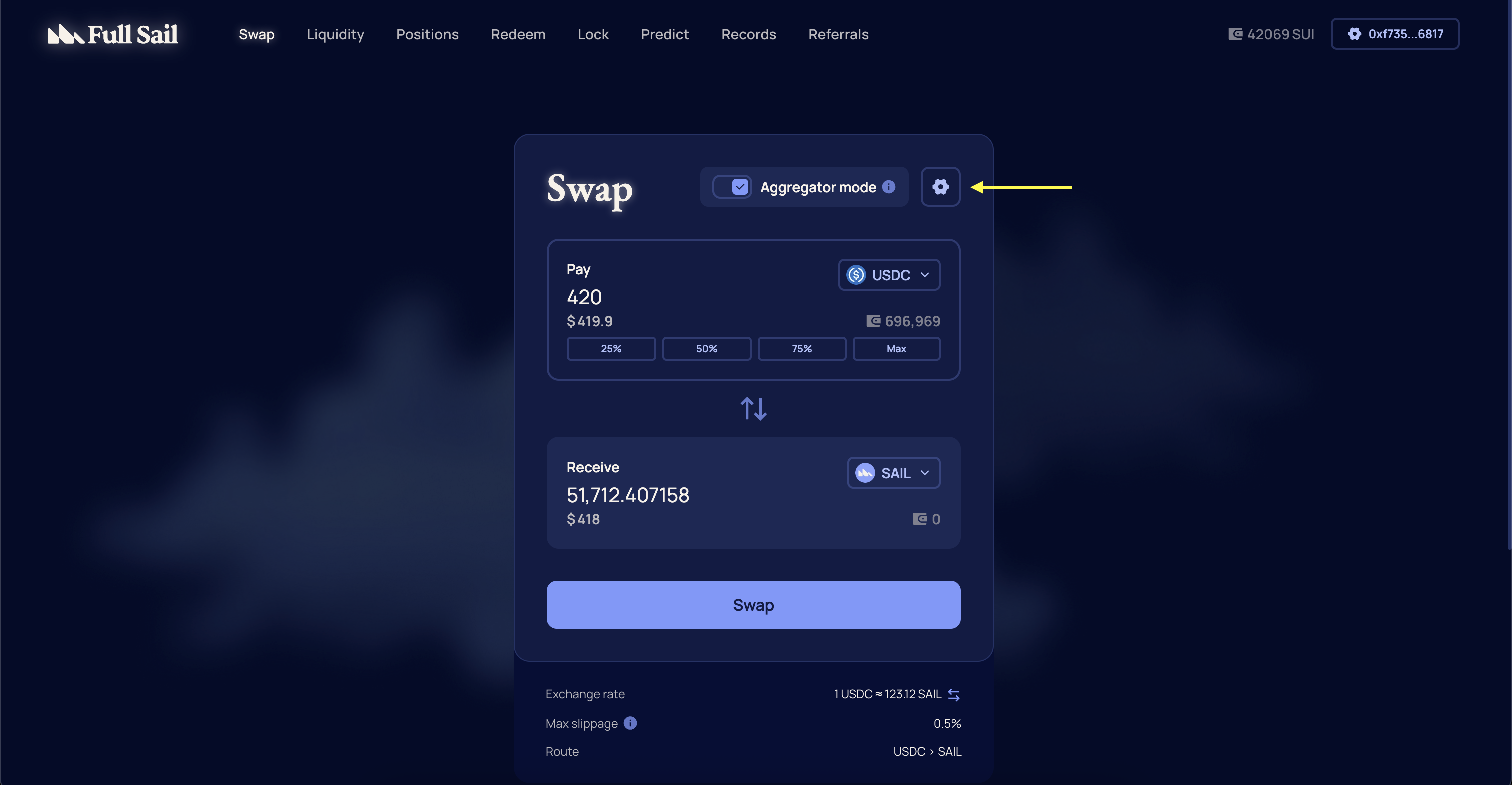
2
Select Preferred Slippage

Important
Higher slippage increases the likelihood that your swap will succeed during volatile or low-liquidity conditions, but it can also result in a worse execution price than expected.
Higher slippage increases the likelihood that your swap will succeed during volatile or low-liquidity conditions, but it can also result in a worse execution price than expected.
Aggregator Mode
Aggregator Mode sources liquidity across multiple decentralized exchanges to secure the best possible price for your swap. It is enabled by default to optimize trade execution. Users who prefer to trade exclusively against Full Sail’s native liquidity can toggle this feature off at any time.