

How to Supply Liquidity into Vault
Before You Start Make sure you have a Sui wallet installed and sufficient balance of tokens plus enough SUI to cover transaction fees.
1
Connect Your Wallet
Select Connect Wallet and connect a supported Sui wallet.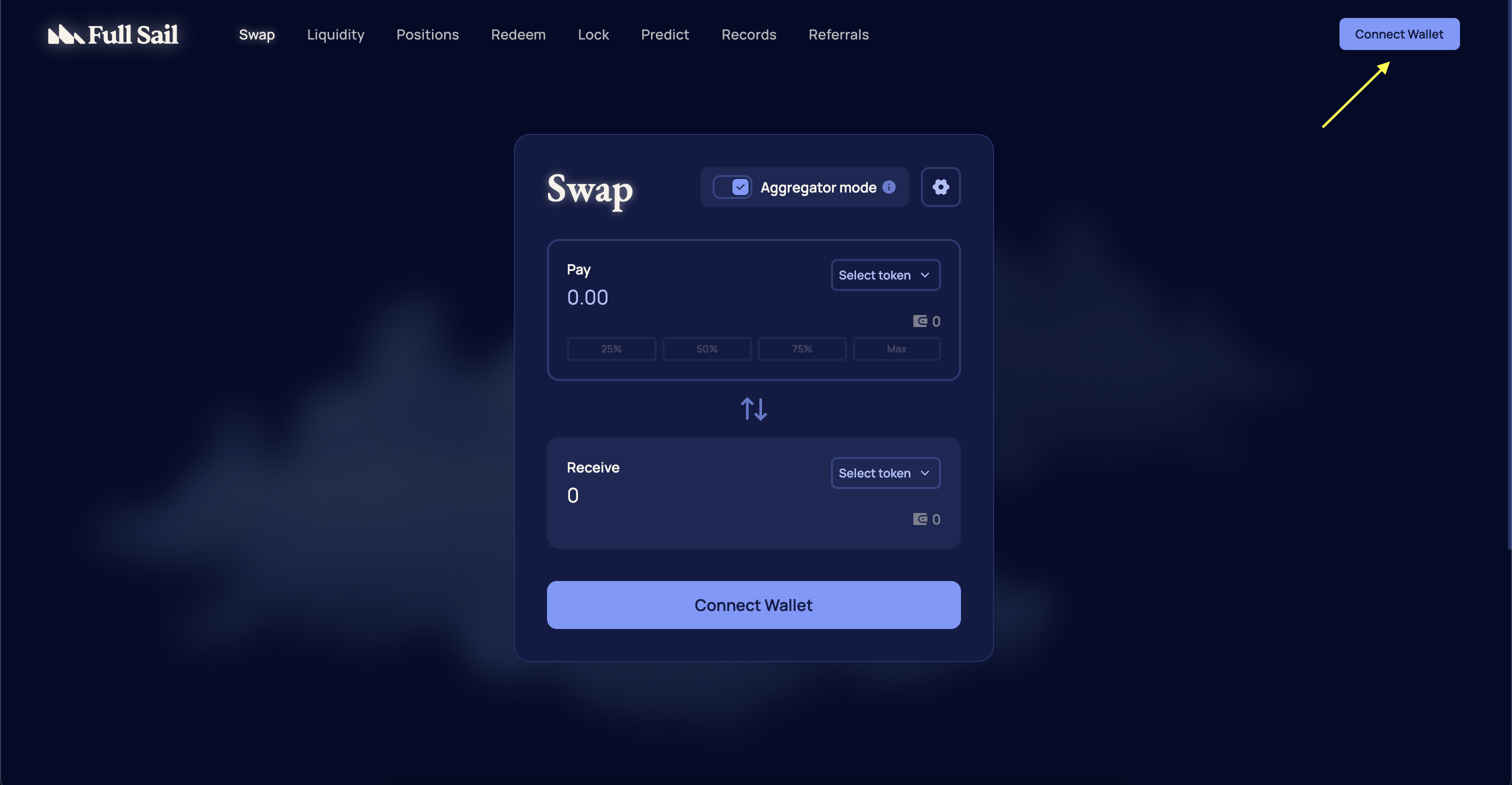
2
Navigate To Vaults Page
From the navigation menu, select Liquidity and select Vaults from the dropdown menu.
3
Select Vault
Navigate to your desired vault and select Deposit.
Each vault has a deposit cap. Once the vault is full, no additional deposits will be accepted until liquidity is withdrawn from the vault.

4
Enter Token Amounts
Enter the amount of either token you want to provide and select Deposit.
Pro tip: The required ratio of each token required to be deposited is shown on the Deposit module. Please make sure to have enough of each token before depositing.
5
Alternative: Zap-In With Single Asset
To supply liquidity using a single asset, turn on the Zap-in toggle and select the asset you prefer to deposit. Enter the amount of tokens you want to provide and select Deposit.
Notice
Maximum zap-in size per LP is capped at $5,000.
Maximum zap-in size per LP is capped at $5,000.

6
Confirm Transaction
Confirm the transaction in your wallet. Once confirmed and finalized, your position will be active and visible in the Dashboard.
How to Remove Liquidity from Vault
1
Navigate to Positions
From the navigation menu, select Positions or go directly to https://app.fullsail.finance/dashboard.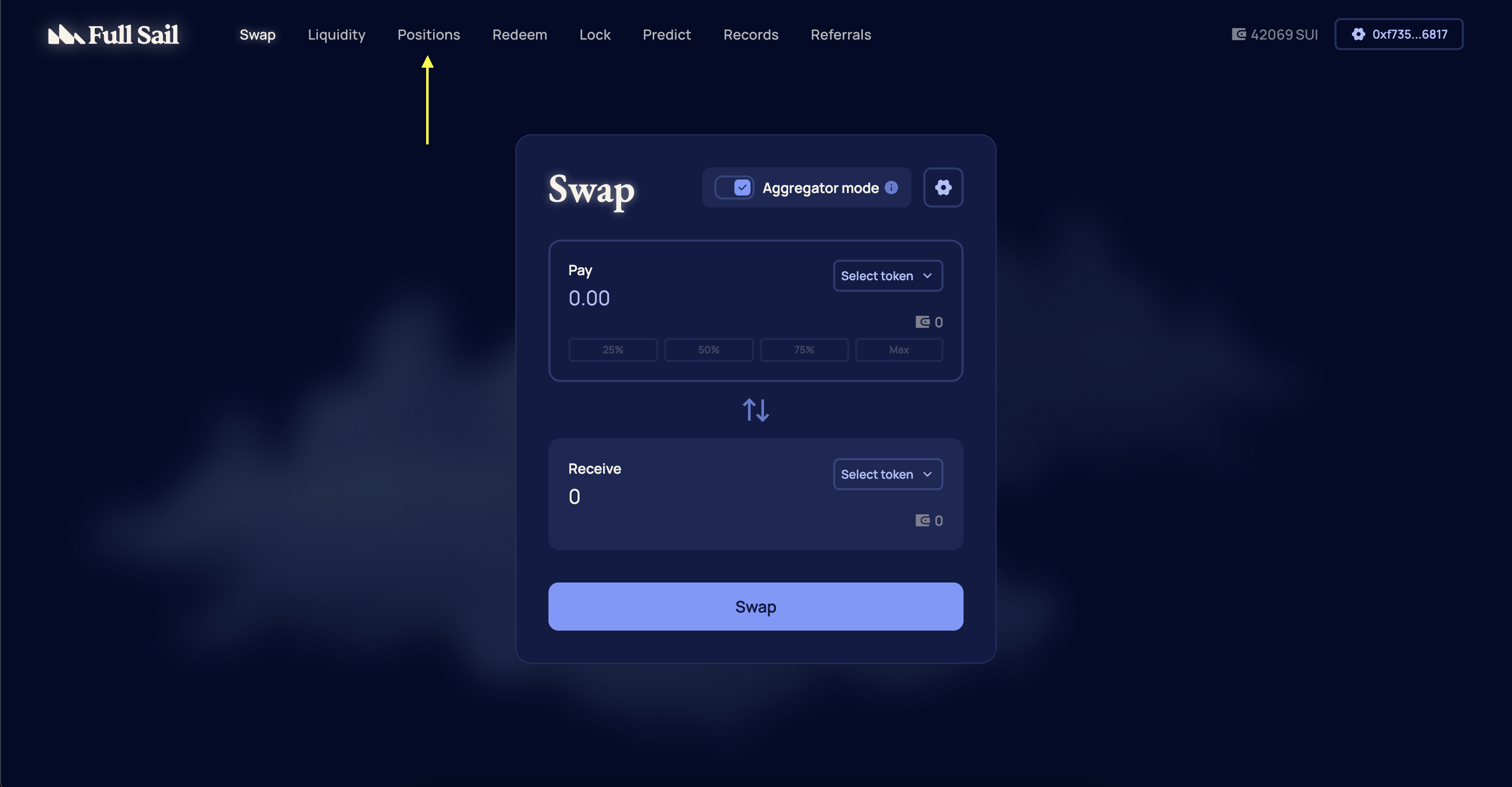
2
Select Your Position
Select the liquidity position you want to modify.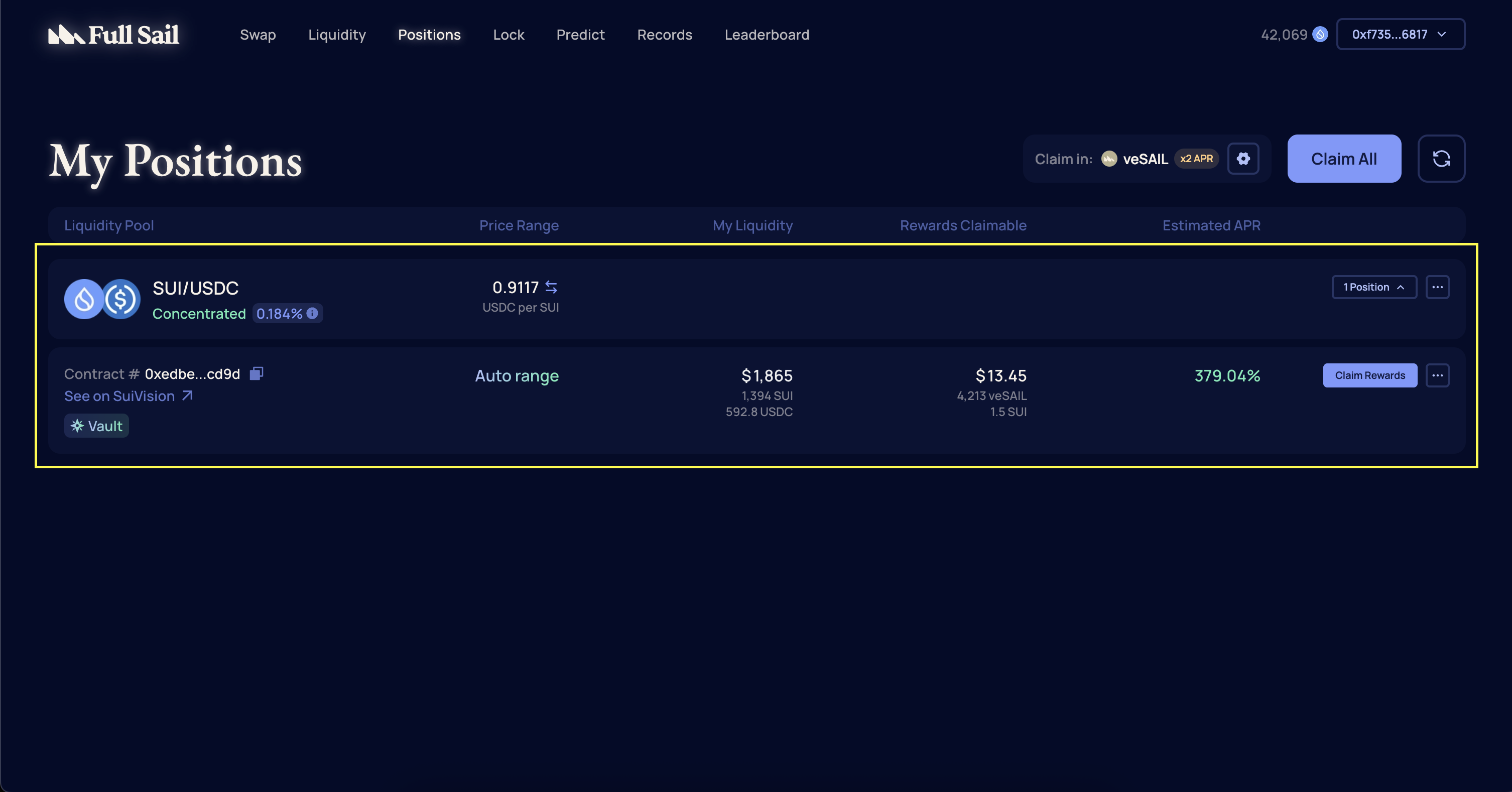
3
Choose Withdraw
On the Manage Liquidity page, choose Withdraw under the Action section.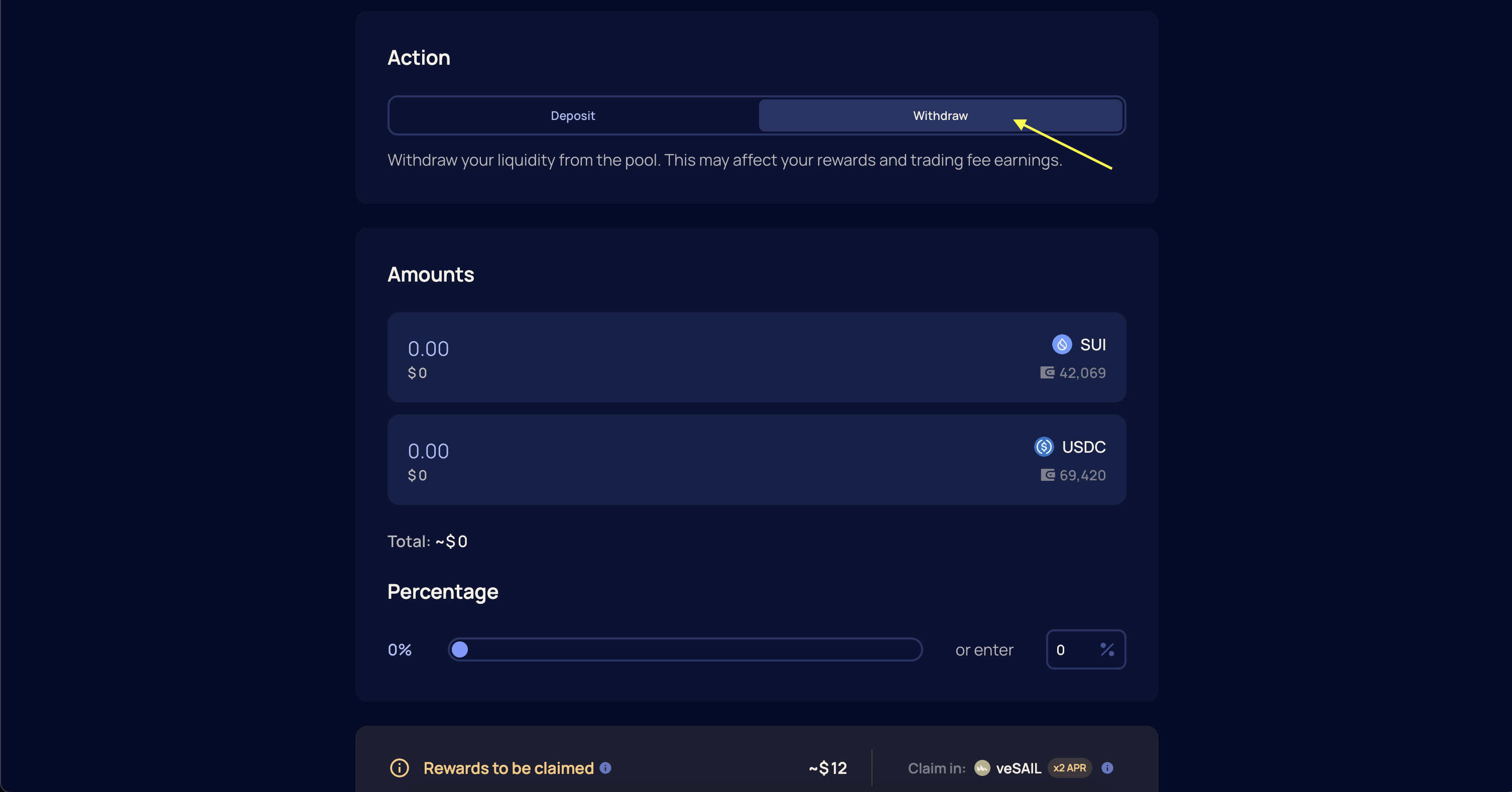
4
Specify Amount
Specify the amounts or percentage of liquidity to remove. This can be a partial or full withdrawal. Then, select Remove Liquidity.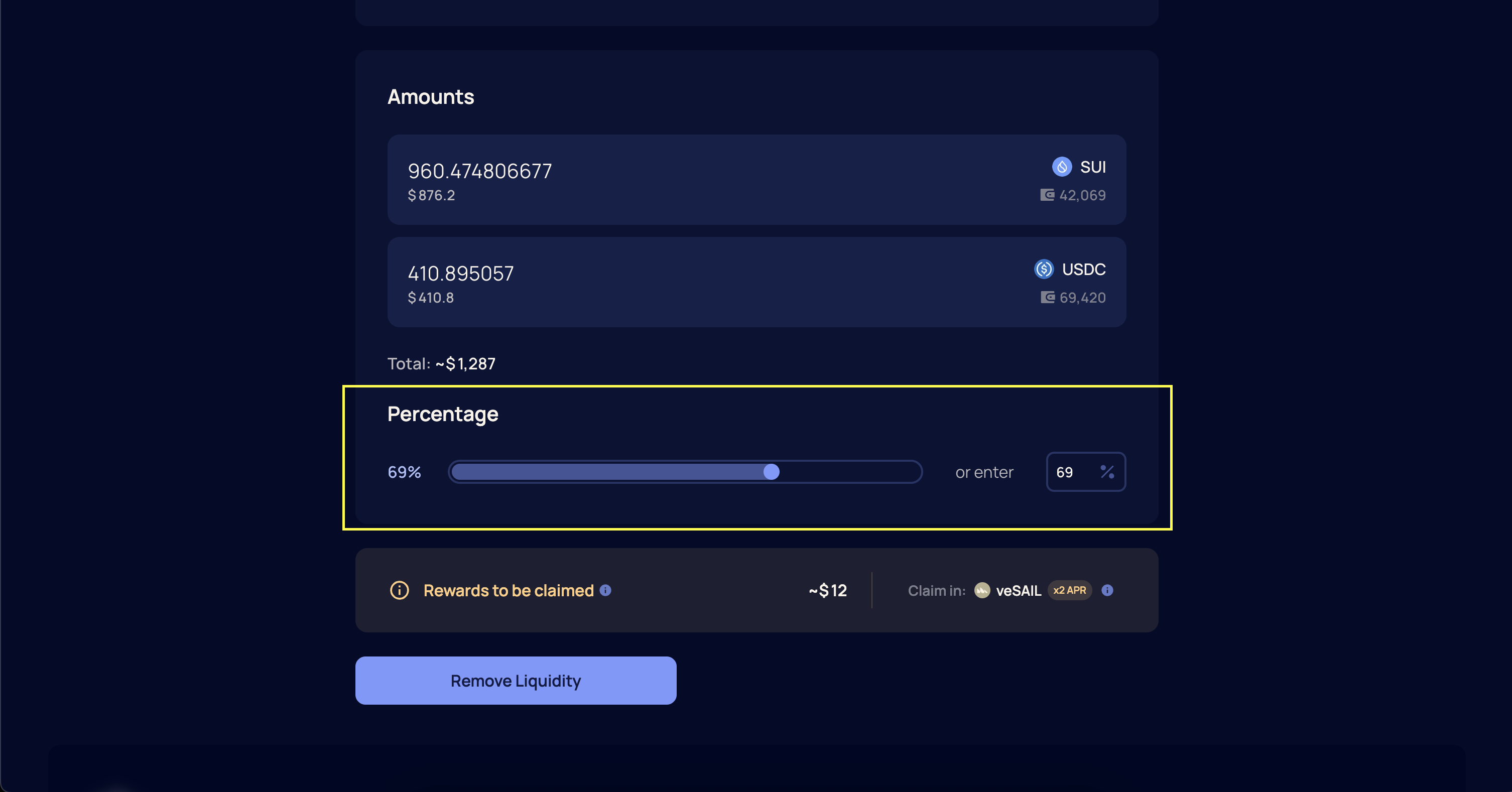
5
Confirm Transaction
Confirm the transaction in your wallet. Once confirmed and finalized, your tokens will be returned to your Sui wallet.